Context #
- PydanticAI is a Python-based AI framework, created by Pydantic Team applying FastAI-like development experience for building AI Apps.
- Supports OpenAI, Anthropic, Gemini, Ollama, Groq, and Mistral, and more.
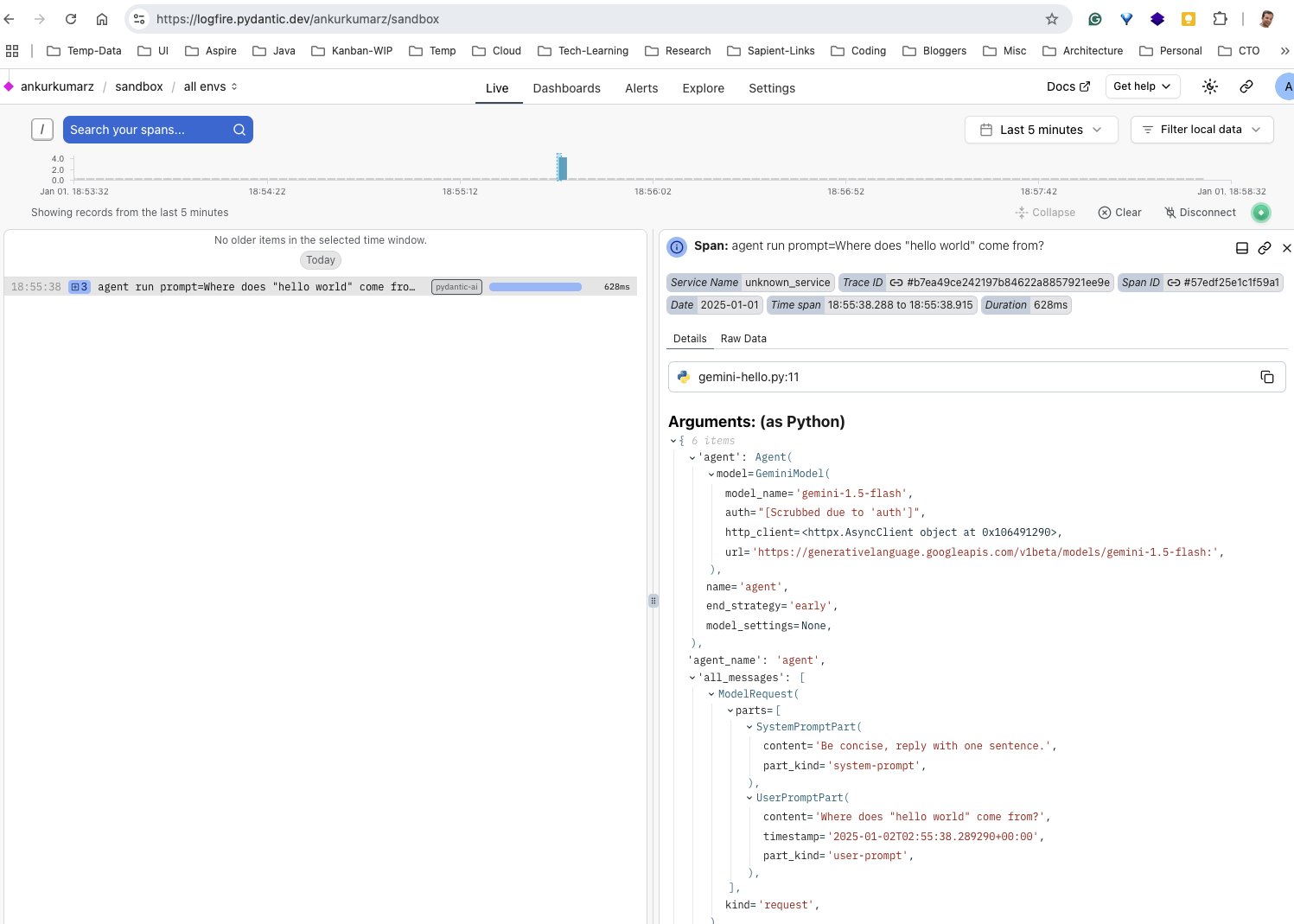
- Provides integration with Logfire - an observability solution built by Pydantic team.
- GitHub Repo
- Multi-agent Apps using PydanticAI covering complexity such as:
- Single agent workflows
- Agent delegation — agents using another agent via tools
- Programmatic agent hand-off — one agent runs, then application code calls another agent
- Graph based control flow — for the most complex cases, a graph-based state machine can be used to control the execution of multiple agents
Local Setup with Examples #
- Setup Pydantic AI and install examples
cd genai/pydanticai
pip install 'pydantic-ai[examples]'
pip install 'pydantic-ai[logfire]'
export GEMINI_API_KEY=<TOKEN>
export LOGFIRE_TOKEN=<TOKEN>
- Generate Gemini API Key from Google AI Studio
- Create Logfire Token from Console
- Use below code:
from pydantic_ai import Agent
import logfire
logfire.configure()
logfire.instrument_asyncpg()

agent = Agent(
    'gemini-1.5-flash',
    system_prompt='Be concise, reply with one sentence.',
)

result = agent.run_sync('Where does "hello world" come from?')
print(result.data)
"""
The first known use of "hello, world" was in a 1974 textbook about the C programming language.
"""
Pros/Cons #
Pros
- Promising with simplicity and familiar Pydantic model-like coding interface, Type-safety checks, etc.
- Lightweight framework (not overloaded like LangChain)
- Use-cases such as RAG, Chat App-like apps
- Supports Slim installation to avoid additional packages:
'pip/uv install/add pydantic-ai-slim[openai]'
- Multi-agent support. See flight booking example - https://ai.pydantic.dev/examples/flight-booking/
Cons
- Early days for the framework, still BETA. Framework to expand covering complex use-cases.
- Graph RAG and others are evolving.
User Experience #